Video · 5 min read
Prompt-Based Video Editing, Explained: Edit Video by Describing It
What a prompt-based video editor is, how editing by describing works, 5 example prompts, limits and pricing. Windows 11 today; Mac and Android soon.

A prompt-based video editor lets you edit footage by describing the result you want in plain words, such as "cut the pauses, add bold captions and make it 30 seconds for Reels", instead of dragging every clip on a timeline yourself. The software plans the steps, makes the cuts and hands back an edit you can review. This guide explains how that works, where it beats a timeline, where it does not, and how to write prompts that get a usable first cut.
Tarzi Editor runs on Windows 11 today, with Mac and Android coming soon.
What is a prompt-based video editor?
Most editors fall into one of three groups:
- Timeline editors (Premiere Pro, DaVinci Resolve, CapCut). You place, trim and layer every clip by hand. Full control, but every change is manual work.
- Text-based editors (Descript and similar). The video is turned into a transcript, and deleting words deletes the matching footage. Great for talking heads, less useful for b-roll, music and pacing.
- Prompt-based editors. You describe the edit as you would brief a human editor. The software works out the steps, carries them out and shows you the result.
A prompt-based editor is not a "generate a video from nothing" tool. It works on your own footage. The prompt replaces the clicks, not the camera. If you want the deeper mechanics, read how an AI video editor works.
How does editing by describing actually work?
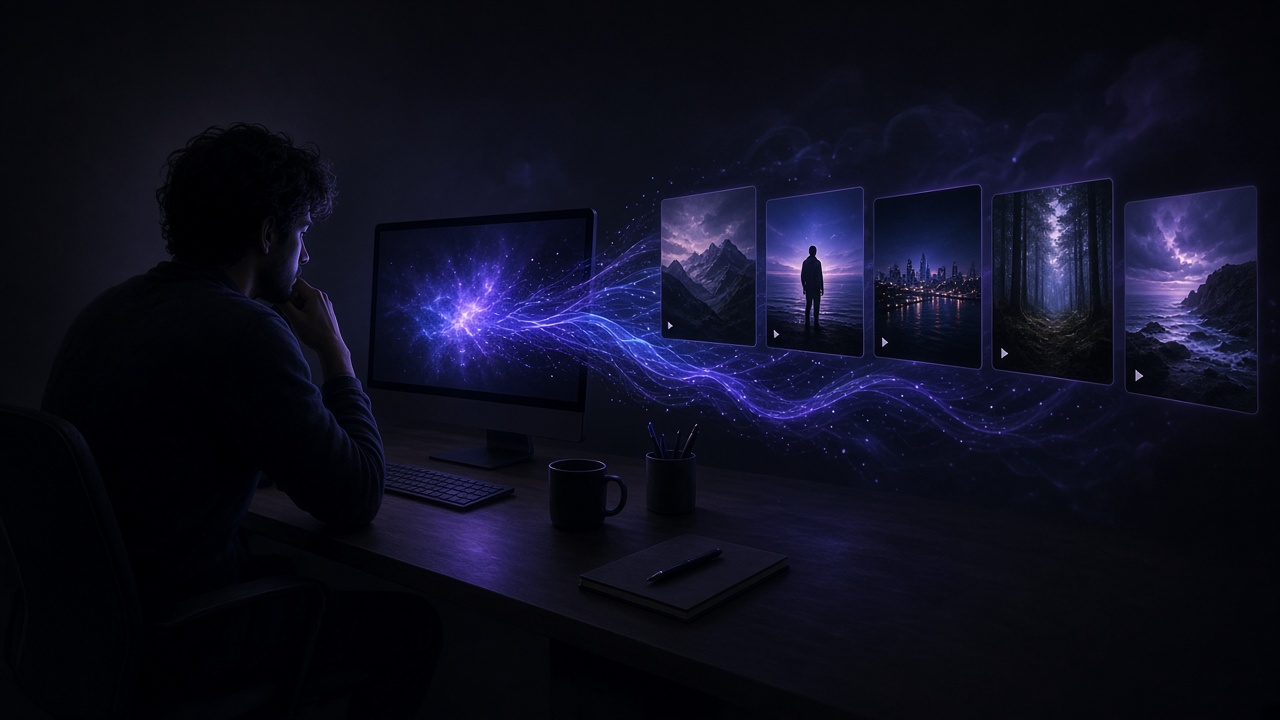
In Tarzi Editor the loop has four visible steps:
- Ask. You type or say the edit: "Trim the dead air, add captions in our brand yellow, add a title card that says Weekend in Hampi."
- Plan. Tarzi reads the footage and lays out the steps before anything changes, so you can see what it intends to do.
- Work. It carries out each step where you can watch it, in the Activity panel: silence cuts, captions, titles, transitions, speed ramps or a colour look.
- Check. It reviews the result against your brief and tells you plainly if something did not pass, instead of quietly handing over a broken export.
Every action also passes through a fixed policy engine, so the AI cannot decide on its own what it is allowed to do on your computer. Your files stay on your PC and are edited there.
Five example prompts and what they do
Good prompts read like a short brief to a person. Here are five that work well as starting points:
- "Cut the pauses and the ums, keep it under 60 seconds, make it vertical." A tight talking-head clip for Reels or Shorts from a longer recording.
- "Add bold word-by-word captions, two lines max, keep them above the bottom safe zone." Readable captions that do not collide with Instagram's buttons.
- **"Add a title card at the start: 5 Mistakes New Freelancers Make, then a warm cinematic grade."** A branded opener and a consistent look across clips.
- "Slow motion on the jump at 0:12, ease back to normal speed, add a whoosh transition before the next shot." A speed ramp and transition without keyframing by hand.
- "Make a 15-second teaser with punchy zooms from the best moments." A quick promo cut for stories or ads.
Notice what each prompt includes: the length, the format, the style, and where on screen things should go. Vague prompts like "make it better" give vague edits.
Where prompt-based editing wins
- Repetitive short-form work. If you cut ten similar clips a week, describing the edit once and reusing the brief saves hours.
- Captions and titles. Word-by-word captions, title cards and simple motion graphics are tedious by hand and quick by prompt. Tarzi ships 67 caption looks, 39 text animations and 28 fonts.
- Indian-language captions. Telugu, Hindi and Tamil text is shaped correctly, joiners included, with the Kalakar font set built for Indian scripts. See our guide to captions in Telugu, Hindi and Tamil.
- Silence and noise cleanup. Dead air is found and removed in one pass, and noisy speech is cleaned up. More on that in how to remove silence from videos.
- People who are not editors. Small business owners, teachers and founders can get a clean result without learning a timeline.
Where a timeline editor still wins
Be honest about the limits:
- Frame-perfect creative work, such as music videos, complex VFX and multi-camera films, still benefits from a human on a full timeline.
- Unusual creative choices are hard to describe in one sentence. You may need several rounds of prompts.
- Your footage sets the ceiling. No prompt fixes a blurry shot or bad audio recorded too far from the mic.
A sensible split many creators use: prompt-based editing for the weekly routine, a timeline or a freelancer for the flagship video. If you are moving from another tool, our comparisons of CapCut alternatives for PC and Premiere Pro alternatives cover the trade-offs.
How to write prompts that work first time
- Start with the output. "30-second vertical Reel" before any styling detail.
- Name the platform. Reels, Shorts and YouTube have different lengths and safe zones.
- Give exact text in quotes for titles and lower thirds.
- One change per follow-up. "Make captions smaller" is easier to check than five changes at once.
- Reuse briefs that worked. Save your best prompts as a house style.
What does Tarzi Editor cost?
Tarzi Editor has a free trial with every feature and no card needed (trial exports carry a small watermark). Paid plans in India:
- Pro: ₹1,499 a month for 20 AI videos a month.
- Studio: ₹4,999 a month for 100 AI videos a month.
- Founder Lifetime: ₹7,999 once ($99 outside India), limited to the first 100 licences. Read more about the Founder Lifetime licence.
Yearly plans and current details are on the Tarzi Editor pricing page. Exports on paid plans are watermark-free.
Is a prompt-based editor right for you?
If most of your editing is cutting, captioning and formatting your own footage for social platforms, a prompt-based editor will likely save you time every week. If you mainly cut long cinematic projects, keep your timeline and use prompts for the repetitive parts.
The quickest way to know is to try it on a clip you already have. Download Tarzi Editor for Windows 11 (Mac and Android are coming soon) and describe your first edit.