Video · 5 min read
Hindi Subtitles Generator for Video: Accurate Hindi Captions on PC
Generate Hindi subtitles for video on PC: Devanagari vs Hinglish, fonts that render matras, a 10-minute workflow and an accuracy checklist.
A Hindi subtitles generator turns the speech in your video into Hindi captions automatically, so you review and fix the text instead of typing every line. The best results come from three things: clean audio, a clear choice between Devanagari and Hinglish, and a font that renders matras and conjuncts correctly. This guide covers all three, plus a workflow you can run on your PC in about ten minutes per short video.
Tarzi Editor runs on Windows 11 today, with Mac and Android coming soon.
Why add Hindi subtitles at all?
- Most short videos are watched on mute. Captions keep people watching when the sound is off.
- Hindi reaches a far wider audience than English-only captions in most of India.
- Accessibility. Viewers who are deaf or hard of hearing can follow along.
- Search and discovery. Platforms read on-screen and caption text to understand what a video is about.
Devanagari or Hinglish: which should you use?
Decide this before you generate anything, because it changes how you review.
- Devanagari (हिंदी) suits news, education, devotional and formal content, and audiences who read Hindi comfortably. It looks native and trustworthy, but it needs a font that shapes the script properly.
- Hinglish (Hindi in Roman letters) suits casual Reels, comedy and audiences used to texting in Roman script. It is easier to read quickly for many urban viewers but spelling is inconsistent ("nahi", "nahin", "nai").
- Mixed speech. Most creators switch between Hindi and English mid-sentence. Keep English words in Roman letters inside Devanagari captions only if your audience expects it, and stay consistent across a series.
What makes Hindi captions look wrong
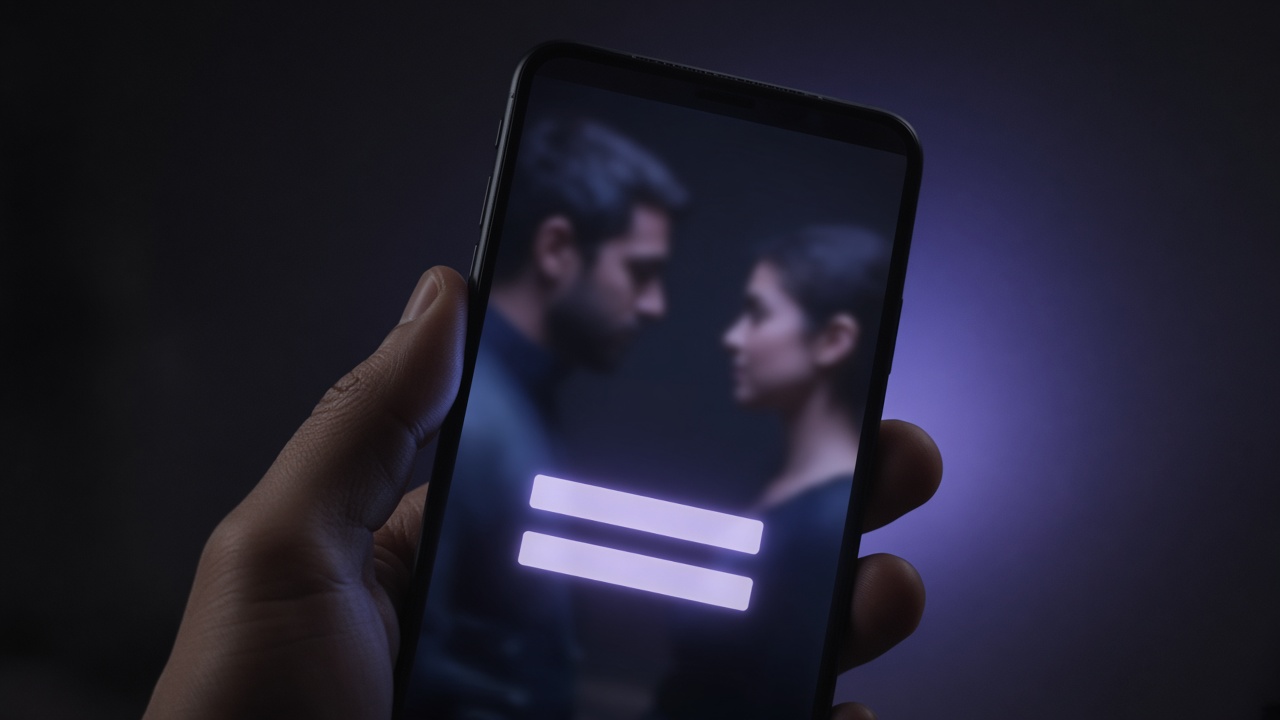
Hindi is a shaped script. Letters combine and change form, so a font or renderer that does not handle shaping produces broken text. Watch for:
- Broken conjuncts, where क्ष or त्र show as separate letters with a visible halant.
- Misplaced matras, such as the ि sign appearing after the consonant instead of before it.
- Missing nukta dots in words like ज़िंदगी.
- Boxes or tofu where the font has no glyph.
Tarzi Editor shapes Telugu, Hindi and Tamil text correctly, joiners included, and ships the Kalakar font set built for Indian scripts, so captions look the way a native reader expects. For more on fonts, see best fonts for video titles.
A 10-minute workflow for Hindi subtitles on PC
- Start with clean audio. Record close to the mic. Remove background music from the speech track if you can, because music confuses speech recognition. In Tarzi you can ask it to "clean the audio and cut the silences" first. See remove silence from videos.
- Generate the captions. Describe the result: "Add Hindi captions in Devanagari, word by word, two lines max, bold white with a dark outline."
- Read every line once. Automatic captions are a first draft. Check names, numbers, places and English loanwords, which are the most common errors.
- Fix the timing of key lines. The hook in the first three seconds and the call to action at the end matter most.
- Check the safe zone. Keep captions above the bottom area where Instagram and YouTube place buttons and descriptions.
- Export a test and watch it on a phone. Small Devanagari text is hard to read; increase the size if you squint.
Accuracy checklist before you publish
- Names of people, brands and places spelled correctly
- Numbers and prices match what was said
- Consistent spelling of repeated words across the video
- No line longer than about 32 characters on mobile
- No caption covering a face or on-screen text
- Matras and conjuncts render correctly at export size
Hindi subtitles vs translated subtitles
A subtitles generator transcribes Hindi speech into Hindi text. If your video is in English and you want Hindi text, that is translation, which needs a careful human read because idioms rarely translate word for word. If you publish both, label them clearly and keep the meaning the same in both versions.
Styling Hindi captions that people actually read
- Size: Devanagari needs slightly larger text than Latin script for the same readability, because matras sit above and below the line.
- Contrast: White or yellow with a dark outline or shadow works on almost any footage.
- Animation: Word-by-word highlighting keeps attention, but avoid effects that blur the text mid-word. Tarzi has 67 caption looks and 39 text animations to pick from.
- Line breaks: Break at natural phrase ends, not mid-word or between a word and its postposition (का, की, को, में).
How Tarzi Editor handles Hindi captions
Tarzi Editor is a prompt-based AI video editor: you describe the edit and it plans, cuts, captions and checks the result on your own PC. For Hindi creators that means you can ask for captions, a title card and a vertical Reel in one sentence, then review the captions line by line before export. Your footage stays on your computer.
For Telugu and Tamil, the same shaping and fonts apply. Read the Telugu captions for Reels guide and the hub guide to captions in Telugu, Hindi and Tamil.
What does it cost?
You can start with the free trial: every feature, no card needed, with a small watermark on trial exports. In India, Pro is ₹1,499 a month for 20 AI videos and Studio is ₹4,999 a month for 100 AI videos. If you would rather pay once, the Founder Lifetime licence is ₹7,999 ($99 outside India) for the first 100 licences. Yearly plans are on the Tarzi Editor pricing page.
Frequently asked questions
Can a generator produce perfect Hindi subtitles? No tool is perfect. Expect to fix names, numbers and mixed Hindi-English words. Clean audio makes the biggest difference.
Should Hindi captions be in Devanagari or Roman script? Match your audience. Devanagari for formal or regional audiences, Hinglish for casual urban Reels. Stay consistent across a series.
Do I need a special font? Yes. Use a font built for Devanagari that handles conjuncts and matras. Test at the size you will export.
Try it on your next video
Pick a short clip you have already recorded, download Tarzi Editor for Windows 11, and ask for Hindi captions. Mac and Android versions are coming soon.